Run Paseo's agents on a Prized box
Run the Paseo daemon on a Prized box and add it as a Remote SSH host, so Paseo's parallel agents work in worktrees on a cloud Linux machine.
On this page6
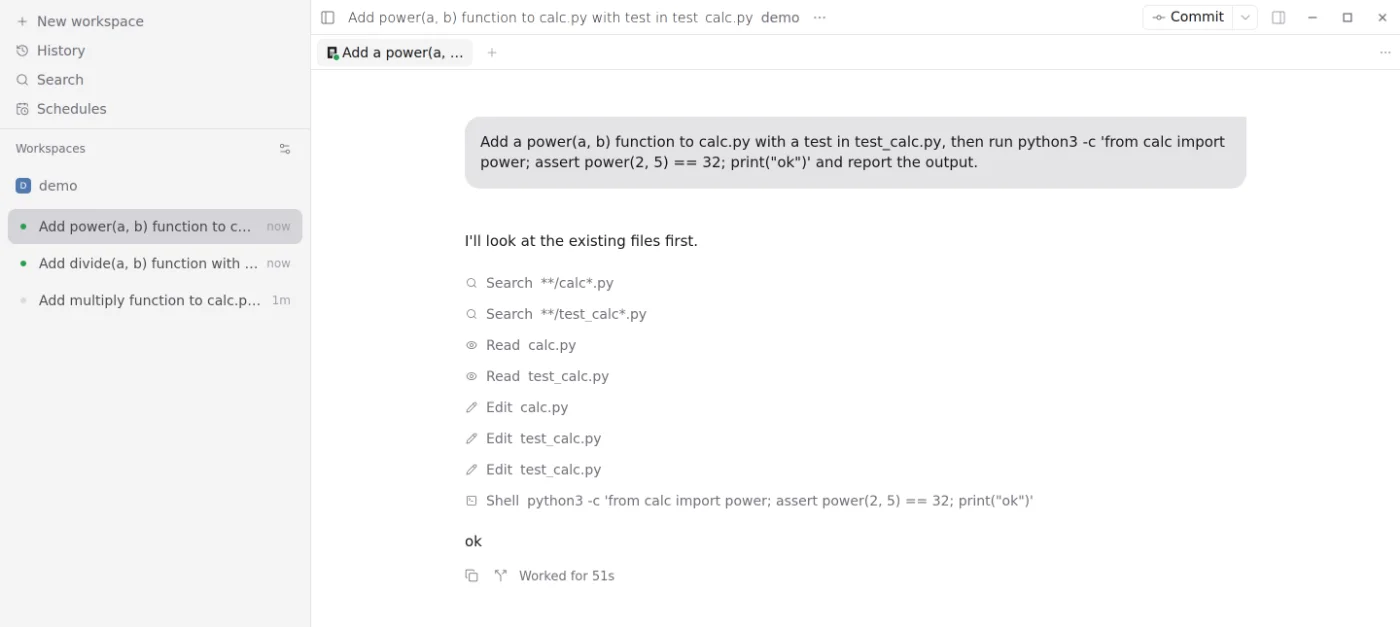
Paseo runs many coding agents at once, each in its own git worktree. With its daemon on a Prized box, they build and test there and keep going when you close the app.
1. Start a box
Sign up at prized.dev and follow the tour: it starts a box on $30 of free credit with no card, and the command it shows installs the CLI and adds the box to your SSH config (Quickstart). Replace mango with your box's name.
2. Sign the agents in on the box
prized agents handoff claude codex --gh3. Start Paseo on the box
prized ssh mangoThen, on the box:
curl -fsSL https://deb.nodesource.com/setup_22.x | sudo bash -
sudo apt-get install -y nodejs
sudo npm install -g @getpaseo/cli
paseo daemon start
Started from this shell, the daemon finds claude and codex, and keeps running after you log out. After the box restarts, start it again.
4. Add the box as a host
In the Paseo desktop app, open Hosts in the sidebar, then Add host › Remote SSH. Enter ssh://mango and click Connect.
5. Open a project on the box
Click Add project, pick the box's host, then Search for directory and a path such as ~/code/myproject. Choose New worktree per workspace to give each agent its own.
When the box sleeps
On the free credit, a box pauses after 2 hours idle (Auto-pause). To keep it up:
prized box auto-pause mango off