Prized docs

Claude Desktop remote.

Point the Claude desktop app at your box over SSH. The connection rides Prized's tunnel and a restricted device key that Prized installs for you, so there is nothing to configure on the box.

Why this needs no setup

Claude Desktop connects with its own SSH client. It honors the host and identity file from your SSH config but does not present SSH certificates, which are what Prized's terminal ssh normally authenticates with. Prized closes that gap automatically: prized login registers this machine's SSH public key with your workspace, and every box accepts it as a restricted fallback alongside certificates. Terminal ssh stays certificate-first and never uses the fallback.

Connect the box

  1. Log in once on this machine (prized login, part of the normal quickstart). Boxes pick up the device key within seconds.
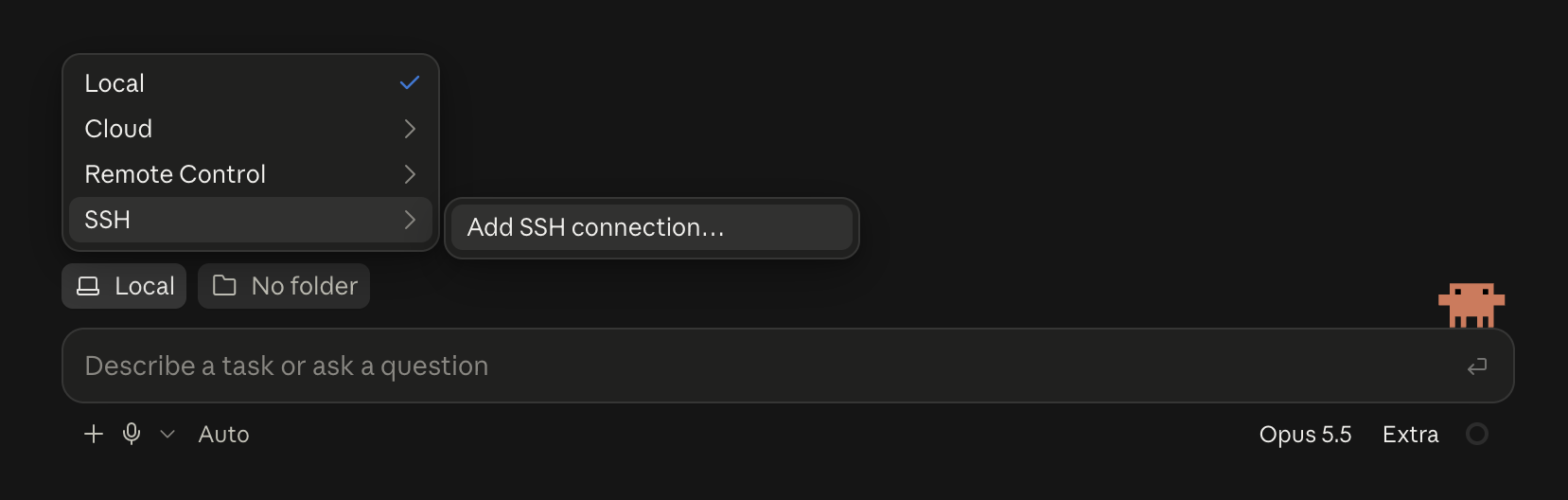
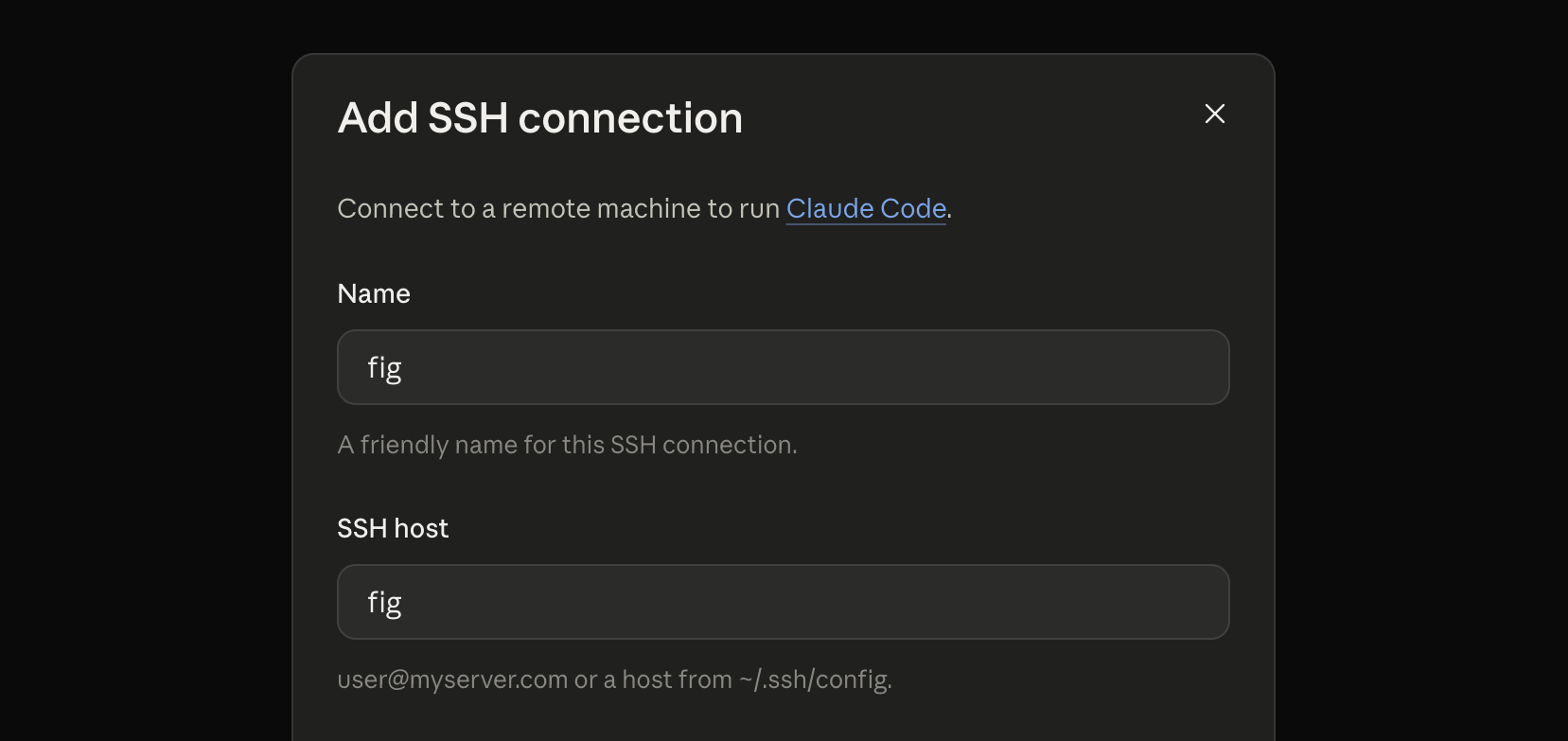
  2. In Claude Desktop, add the box as an SSH host by its hostname, for example box-3fa9. The stanza Prized installs supplies the tunnel and the key; if the app asks for an identity file, use ~/.config/prized/id_prized.
ssh box-3fa9
# confirms the connection from a terminal first

Installs that logged in before this feature existed converge on their own: the next prized ssh (or any Desktop connection) registers the key.

What the fallback key can do

The key the app authenticates with is deliberately narrower than a certificate:

Fallback key (desktop apps)Certificate (terminal ssh)
Run commands, transfer files (SFTP)yesyes
Interactive terminal (PTY)noyes
Port forwardingnoyes
Works outside your Prized tunnelnono

The key line on the box is pinned to tunnel-internal source addresses and carries restrict, so a copy of the key file is useless without an authenticated Prized tunnel.

Removing a device

Delete the device's CLI token, or remove the member from the workspace; every box drops the key on its next heartbeat, within seconds. A device that has not talked to Prized for 45 days ages out on its own and re-registers the next time it connects.

Caveats

  • Wake the box first. The app's plain ssh does not wake a suspended box. Resume it from the dashboard or run prized ssh once, then connect.
  • The app stops when your machine sleeps. The desktop app owns the SSH connection. For an agent that keeps working with the laptop closed, run Claude Code on the box in a session instead.
  • Password prompt? The box has not synced the key yet. Make sure prized login ran on this machine, give it a minute, and retry; prized doctor checks the rest of the path.

Something unclear or out of date?

On this page